

5 AI Tools I Used to Make My First $100 Online (Beginner Results)

Photo by Unsplash — Free to use
Six months ago, I had zero experience making money online. No audience, no skills, no idea where to start. I kept reading about people using AI tools to earn thousands per month — and I had no idea if any of it was real.
So I decided to test it myself. I signed up for tool after tool, tried dozens of methods, failed many times — and eventually crossed my first $100 online.
The Reality of Making Money with AI (What Nobody Tells You)

Photo by Christopher Gower on Unsplash
AI tools are not ATMs. They don't generate money by themselves. What they do is compress the time it takes to create value. A task that used to take 8 hours can now take 45 minutes. That's where the real money is.
"The people making real money with AI aren't using it to cheat the system. They're using it to do more, faster — and deliver genuine value to clients and customers."
Tool #1: ChatGPT — My Content Engine

Photo by Unsplash — Free to use
ChatGPT was the backbone of almost everything I did. I used it to write blog posts, create email sequences for clients, draft product descriptions, and outline YouTube scripts.
The mistake most beginners make is treating ChatGPT like a magic button. The secret is in the prompts.
How I Made Money With It
I found small business owners on Facebook groups who needed blog content. I offered to write 4 blog posts per month for $75. With ChatGPT, I could produce a solid 1,200-word post in under an hour.
Tool #2: Canva AI — Design Without Skills

Photo by Unsplash — Free to use
I cannot draw. I have no design background. Canva's AI features let me create social media graphics, lead magnets, and simple ebook covers in minutes.
How I Made Money With It
I created a 12-page PDF guide called "ChatGPT Prompts for Small Business Owners" using Canva. Design took ~3 hours. Listed it on Gumroad for $7. Made 3 sales in the first two weeks.
Tool #3: ElevenLabs — Voice That Pays
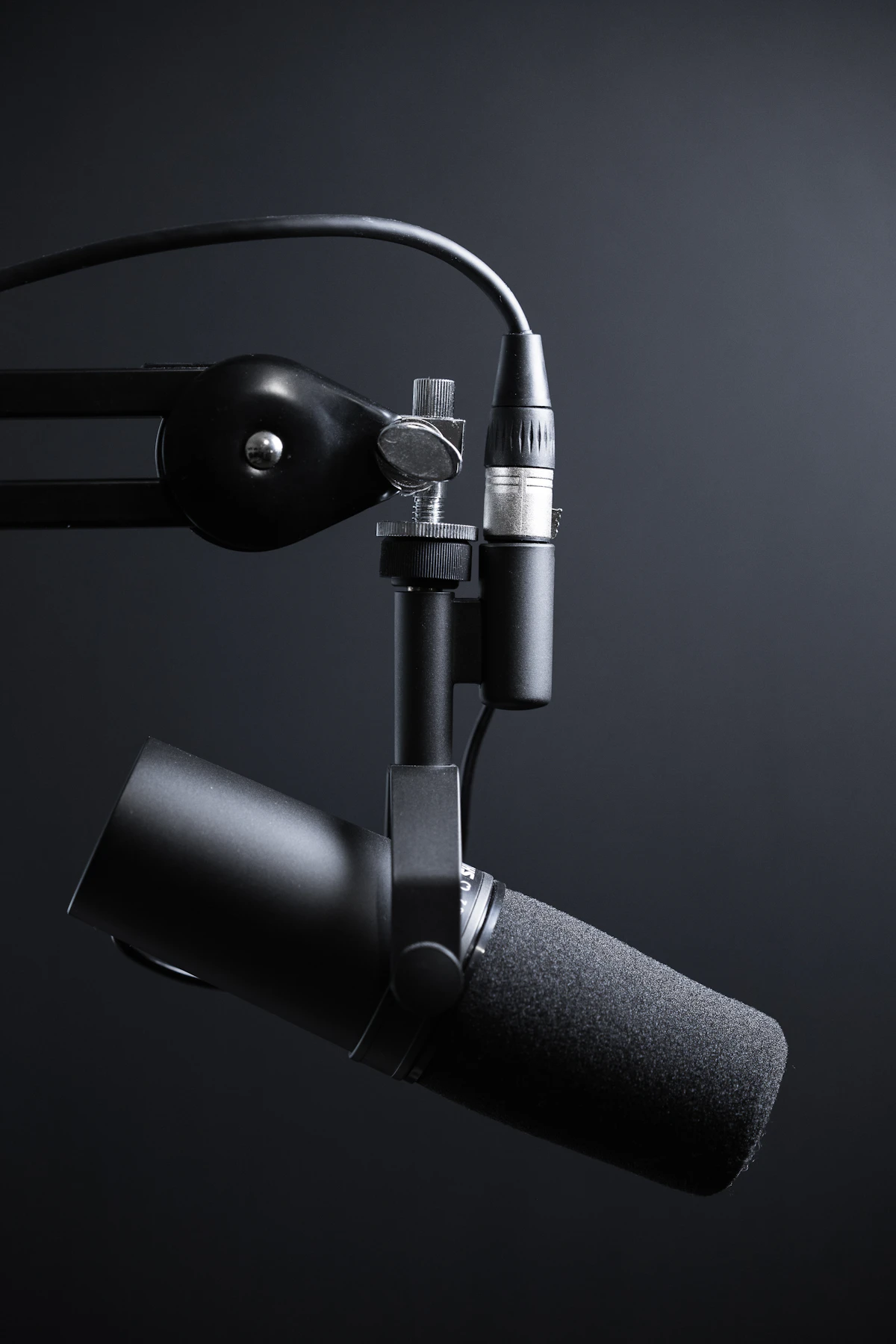
Photo by Unsplash — Free to use
ElevenLabs generates hyper-realistic AI voices from text. I found a YouTube creator who needed voiceovers at $30/video and offered $15/video with faster turnaround. He came back for 4 videos total.
Tool #4: Gumroad + AI — My Digital Product Store

Photo by Unsplash — Free to use
Gumroad handles payments, delivery, and customer emails automatically. I did the work once, and sales keep coming in without me doing anything.
- Product: "50 ChatGPT Prompts for Small Business Owners" (PDF)
- Price: $7 | Time to create: ~4 hours | Sales: 3 in first month
Tool #5: Notion AI — Client Work Made Easy

Photo by Unsplash — Free to use
I used Notion AI to build a complete 30-day launch roadmap for a client — content calendar, task checklist, email sequence outline. It looked incredibly professional. He paid me $40 for it.
- Write faster with AI assistance inside Notion
- Summarize, rewrite, and expand content with one click
- Output looks polished — clients are genuinely impressed
My Total Earnings Breakdown
| Tool | Method | Time Spent | Earned |
|---|---|---|---|
| ChatGPT | Freelance blog writing | ~8 hours | $75 |
| Canva AI + Gumroad | Digital product (PDF) | ~4 hours | $21 |
| ElevenLabs | Voiceover services | ~3 hours | $60 |
| Notion AI | Client strategy doc | ~2 hours | $40 |
What I'm Doing Next

Photo by Unsplash — Free to use
- Growing my freelance writing to 3–4 clients at $75–$100/month each
- Creating 2 more digital products on Gumroad at higher price points ($17–$27)
- Building a voiceover client base through Fiverr
- Documenting everything on this blog so you can follow the exact same path

Written by Aymane Jabel
I test AI tools and side hustles with $0 budget and share real, unfiltered results. No hype, just honest experiments. More about me →
Want to Follow My Journey?
Real experiments, real numbers, real lessons — every week on Easy AI Profit.
→ Read More on Easy AI ProfitFrequently Asked Questions
Do I need to pay for these tools?
Not to start. ChatGPT, Canva, and Gumroad all have free tiers that are more than enough for beginners.
How long until I make my first $100?
For me it took about 3 weeks of consistent effort. Don't compare your timeline to anyone else's.
Can I do this if I'm not in the US?
Yes. I'm not based in the US and most of my clients are. The internet doesn't care where you live.
What if I try and fail?
You will fail at some things. Every failed experiment taught me something that made the next one easier.


0 Comments